
Dinner, decided for the week

Your recipes, the week's plan, the shopping list, and what's in the cupboard, in one app that syncs between the web and your phone.

Free to use · No password needed · Web, iPhone, iPad and Mac

Illustration of a kitchen table with a bowl of soup, a teapot, and an open meal-planning notebook

Everything between "what's for dinner?" and dinner

A recipe library, a weekly planner, a shopping list built from the plan, a pantry the list checks against, and a food log that already knows the plan.

Illustration of recipe cards and cookbooks arranged on warm wooden shelves

Recipe Library

Half your recipes are screenshots and the other half are bookmarks you can't find. Put them in one library the planner and the shopping list can read.

Ingredients and steps stored as data, collections for sorting, and search that finds a dish by name.

See more about the recipe library
Illustration of a week of small dinner plates pinned to a cork board like a calendar

Meal Planner

Deciding what to cook at five o'clock is harder than cooking it. Plan the week once and every evening already has an answer.

Put recipes on a weekly planner and see the whole week on one screen.

See more about the meal planner
Illustration of a market basket overflowing with vegetables beside a paper checklist

Shopping Lists

Writing a grocery list means reading five recipes side by side and doing arithmetic in your head. MealFoundry does that part.

One list from the whole plan, grouped by aisle.

See more about the shopping lists
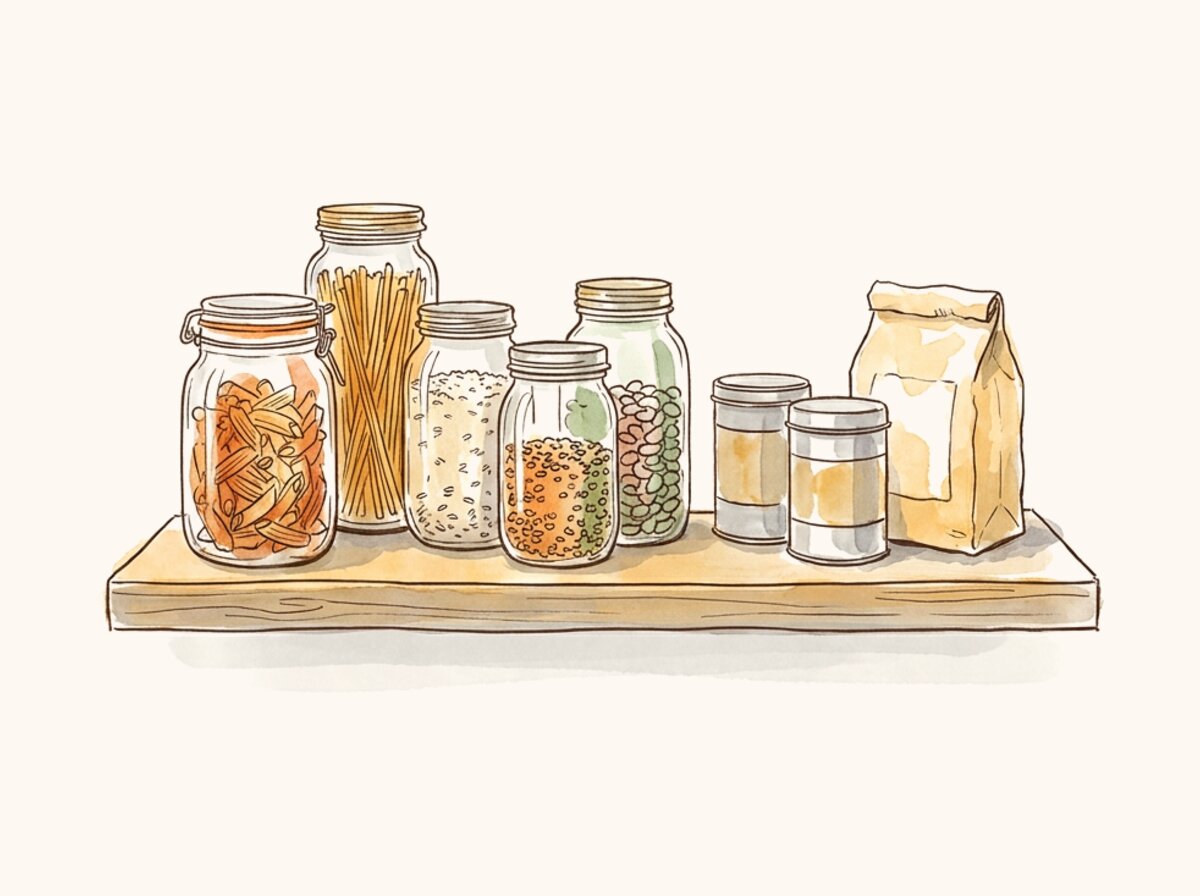
Illustration of an open pantry cupboard with neat rows of glass jars of grains and spices

Pantry

The back of the cupboard is where good ingredients go to be forgotten. Keep a rough list of what's there and the shopping list stops asking for it.

A list of what's at home, so the shopping list skips it.

See more about the pantry
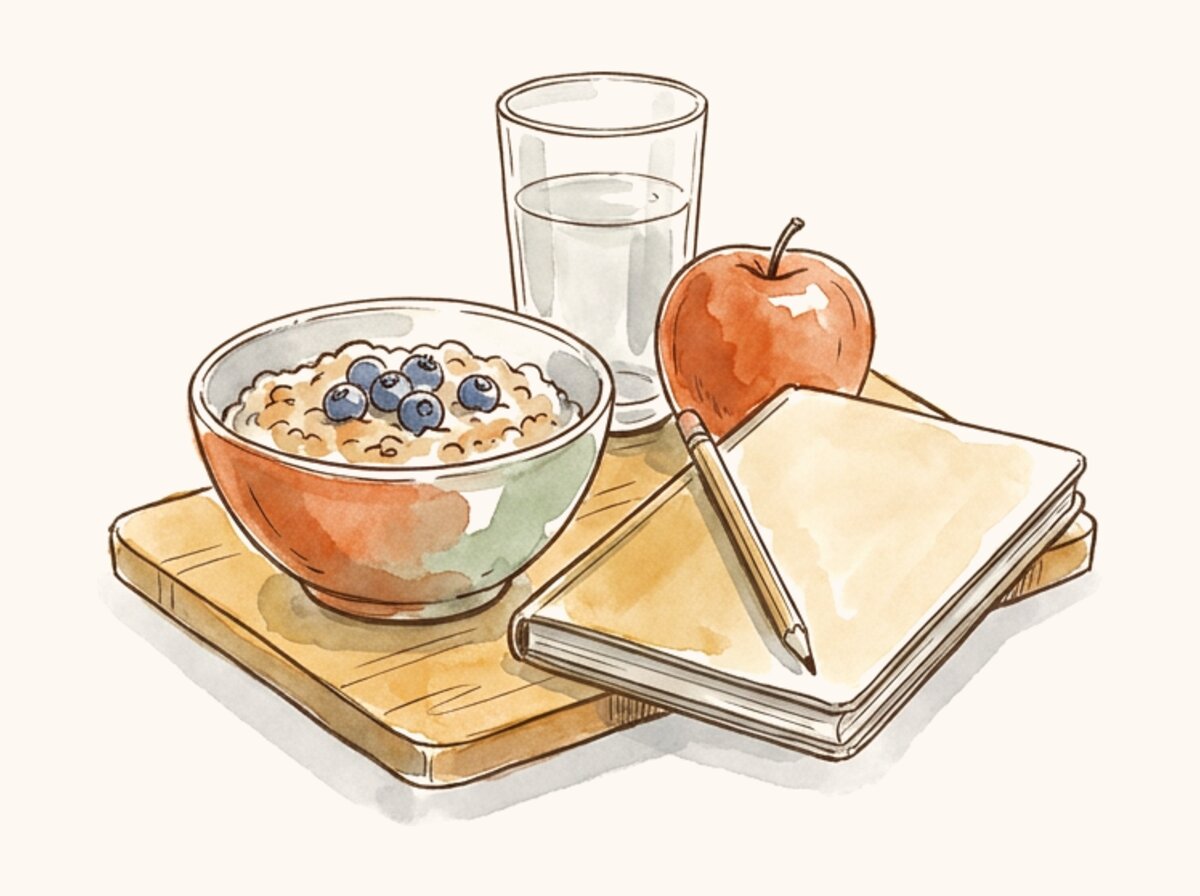
Illustration of a bowl of porridge with blueberries, a glass of water, an apple and a notebook with a pencil on a wooden board

Tracking

You shouldn't have to search a database for every bite. Write "two eggs on toast and a coffee", check the numbers, done. Dinner from the plan is already counted.

A food log you write in plain words, with your planned meals already counted.

See more about the food log

How it works

  1. 1

    Save your recipes

    Add the dishes you already cook. Ingredients and steps are stored as data, and collections keep them sorted.

  2. 2

    Plan the week

    Put recipes on the week's calendar. It takes a few minutes on a Sunday.

  3. 3

    Shop once, then cook

    Build one shopping list from the plan, minus what is already in the pantry. Then cook from the plan every evening.

Frequently asked questions

Is MealFoundry free?

Yes. The recipe library, the planner, shopping lists, the pantry and tracking are free, and signing up takes no card. MealFoundry Plus is a paid upgrade that raises the limits on AI plans, nutrition estimates, and imports.

How do I sign in without a password?

Enter your email address and we send you a link. Click it and you're signed in. There's no password to make up or forget.

Does MealFoundry work on iPhone?

Yes. MealFoundry has a native iOS app, and your recipes, meal plans, shopping lists, pantry and food log stay in sync between the app and the web.

How are shopping lists created?

MealFoundry reads every recipe in your weekly meal plan, merges duplicate ingredients, adds up quantities, groups items by category, and skips anything your pantry already holds.

Who owns the recipes I add?

You do. We store your recipes to run the service, and we don't sell your data or show ads.

Start with this week

Sign in with your email address.

Get started free